 PC Remote
Control PC volume from your phone over Wi-Fi
A free Windows and Mac volume remote in your Android or iPhone browser.
A remote for the couch
Your computer is connected to the TV and the keyboard is across the room. Open PC Remote on your phone to turn the volume down or pause playback.
Change your computer volume
- Run PC Remote on your computer and connect your phone to the same Wi-Fi network.
- Open the pairing QR code from the app menu and scan it.
- On the Main tab, move the volume slider, tap −5 / +5, or mute the sound.
Media controls and app shortcuts are on the same screen. On Mac, media buttons control Music.
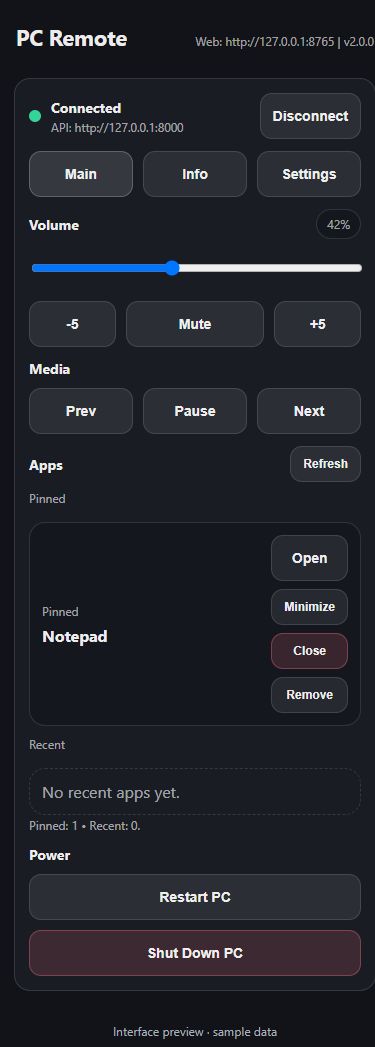
See the controller in action
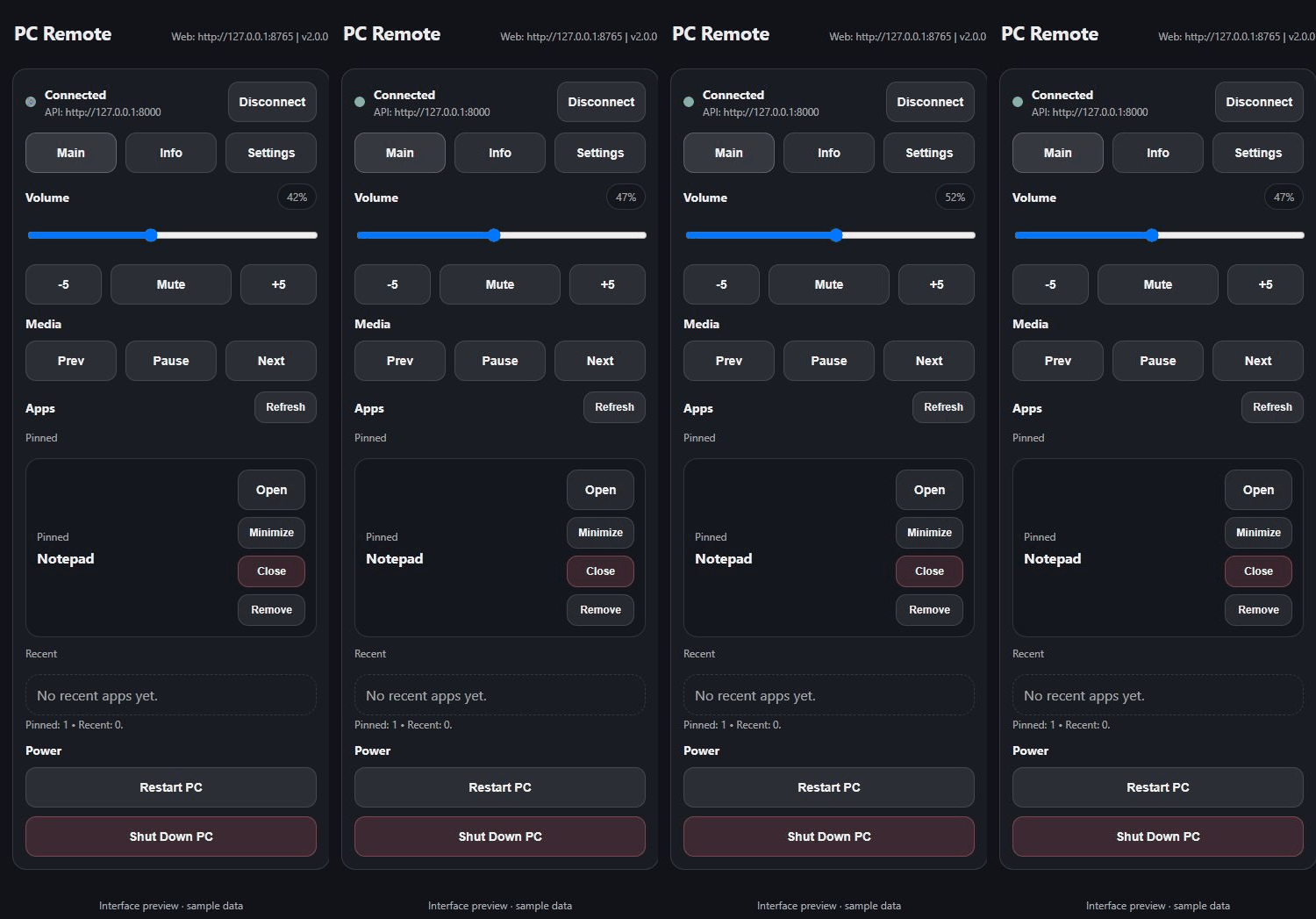
Recorded from the actual interface with sample responses. This is not a recording of physical PC control.